
This is a module of the Plover Kit plugin, you must install this plugin to access the features below.
This module allows you to show the visitor’s reading percentage on your WordPress site, so the visitor always know where they stand.
You can find and enable this module via “WordPress Dashboard -> Plover Kit -> Modules -> Reading Progress“
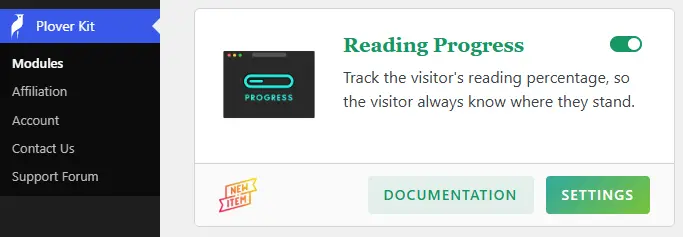
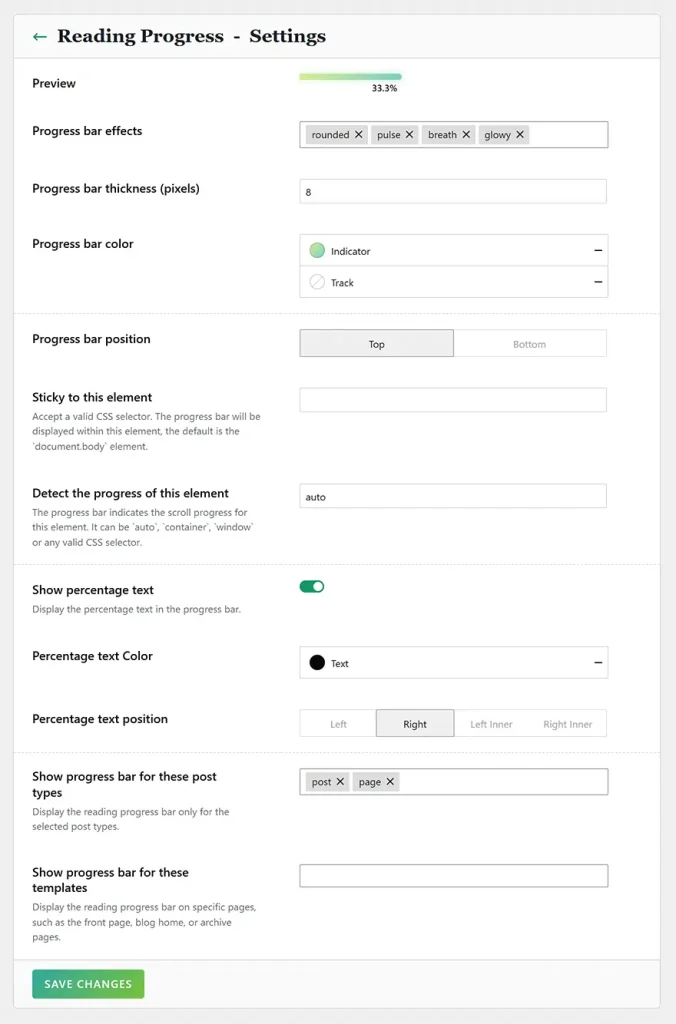
Reading Progress Settings
The reading progress settings can be accessed via “WordPress Dashboard -> Plover Kit -> Modules -> Reading Progress -> Settings“.
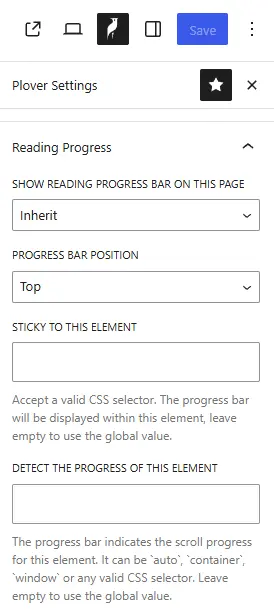
Specify Page Settings
The page settings is only available in the premium version, if you are using the free version, please upgrade.
In addition to global settings, you can also override the reading progress settings on a specific page.
In the upper-right corner of the Block Editor, click the Plover logo to access the Plover page settings.
Leave a Reply