
This is a module of the Plover Kit plugin (Version v1.3.0 or above), you must install this plugin to access the features below.
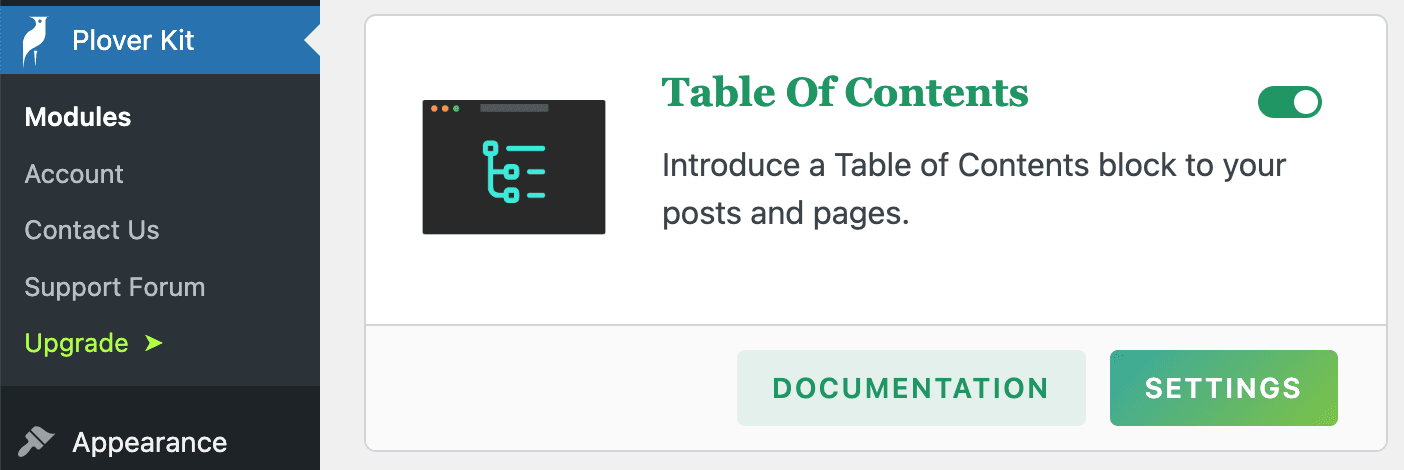
This module introduce a Table of Contents block to your posts and pages. It shows a nested list of links to all the headings found in a post or page.
You can enable this module via “WordPress Dashboard -> Plover Kit -> Modules -> Table of Contents“
Add Table of Contents block
To add the Plover: Table of Contents block, open the block inserter by clicking the (+) icon on the upper left corner of the editor. After that, look for Table of Contents using the search bar and click it to insert the block into the editor.
Block options
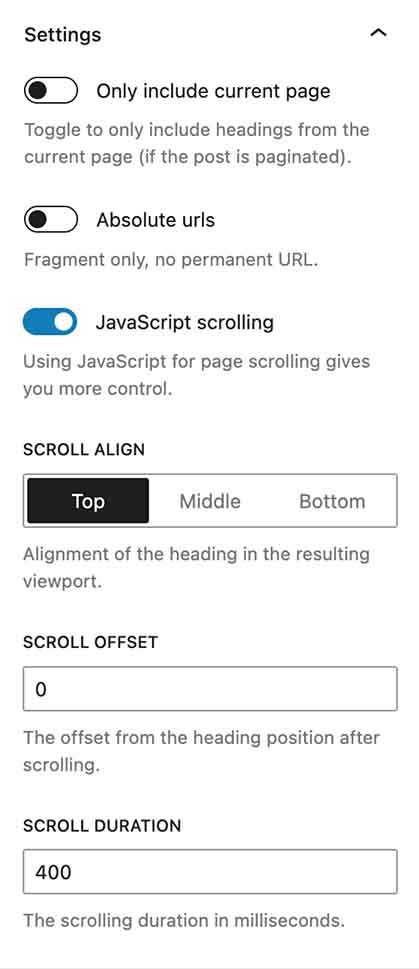
Only include current page
When your page contains core/nextpage block, your post content will be paginated.
This option allow you to only include headings from the current page.
Absolute urls
By default links in the TOC list do not contain the full permalink, the links is similar to: #anchor.
It will add the permalink url to the fragment when you enable this option.
JavaScript scrolling
This option is only available for the Premium plan.
When this option is enabled, page scrolling after clicking a TOC link will be implemented via JavaScript, and you can control the scrolling speed as well as the alignment and offset between the headings and current page.
Scroll align
This option is only available for the Premium plan.
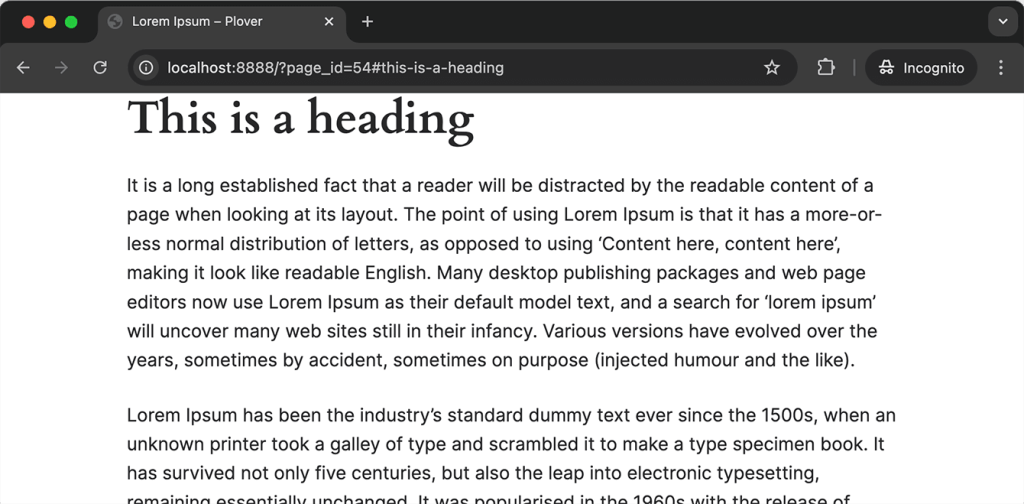
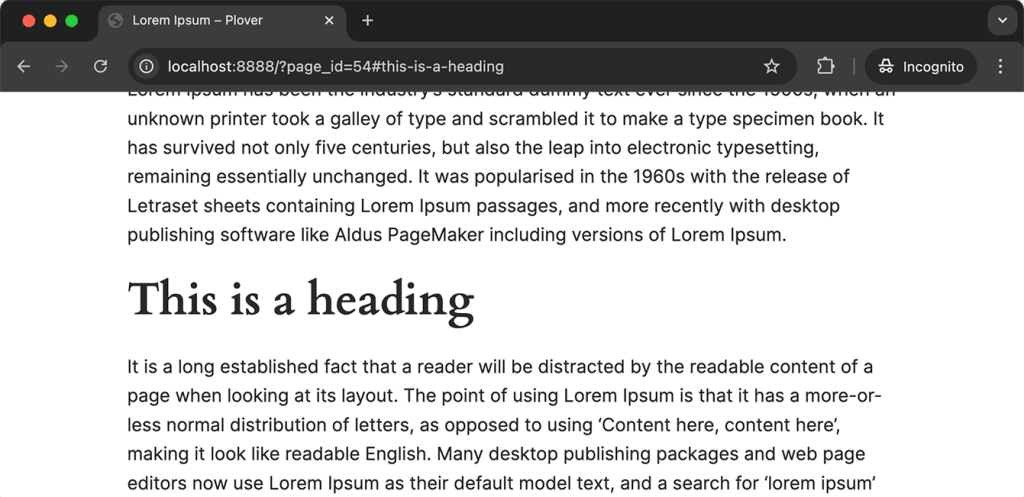
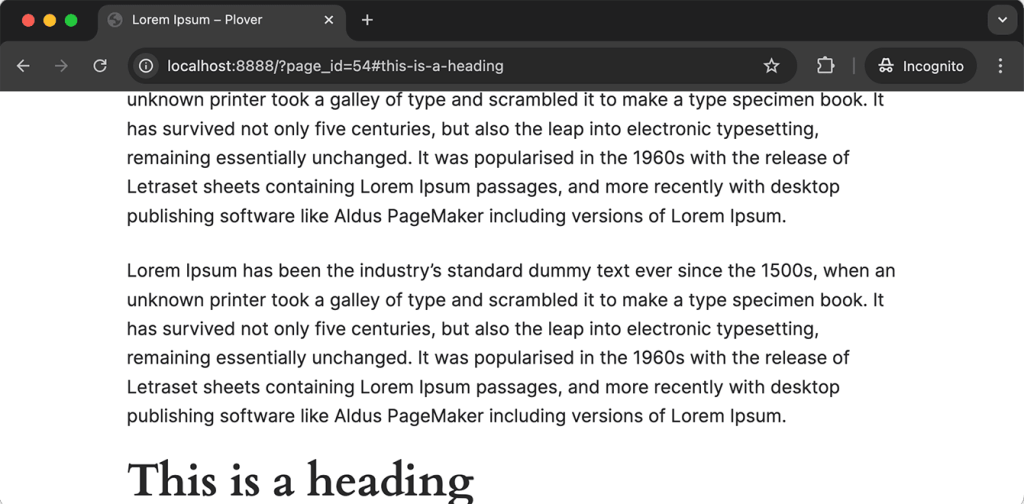
This option allows you to control the alignment between headings and pages.
Scroll offset
This option is only available for the Premium plan.
This option allows you to control the offset between the title and the page.
If your site has a sticky header, it will cover the heading text, use this option to ensure your heading text is always visible on the page.
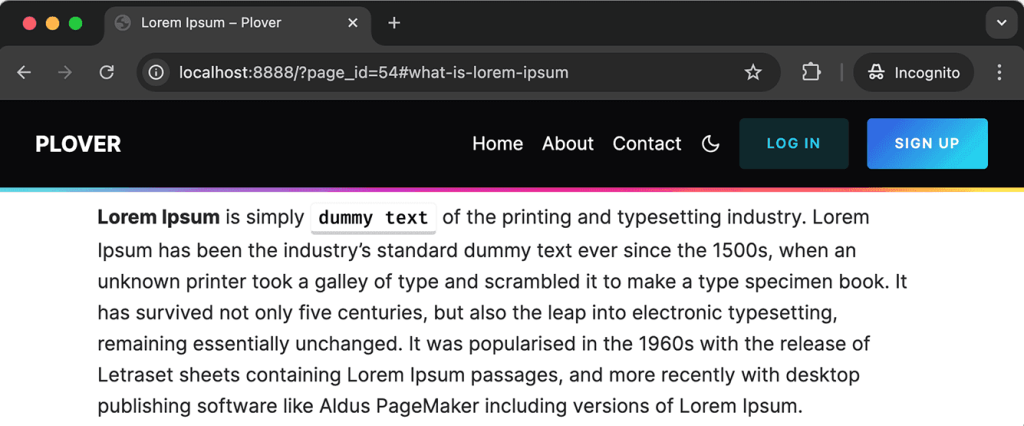
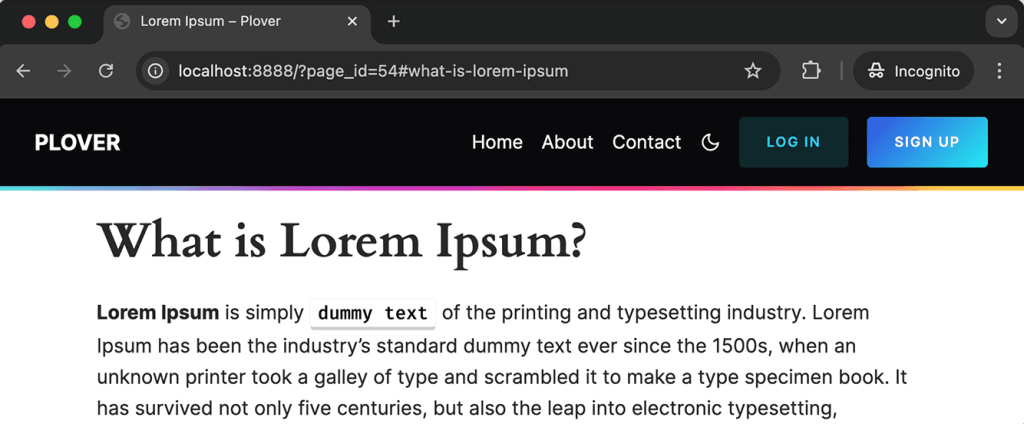
Scroll duration
This option is only available for the Premium plan.
This option allows you to control the scrolling duration in milliseconds.
Heading Levels
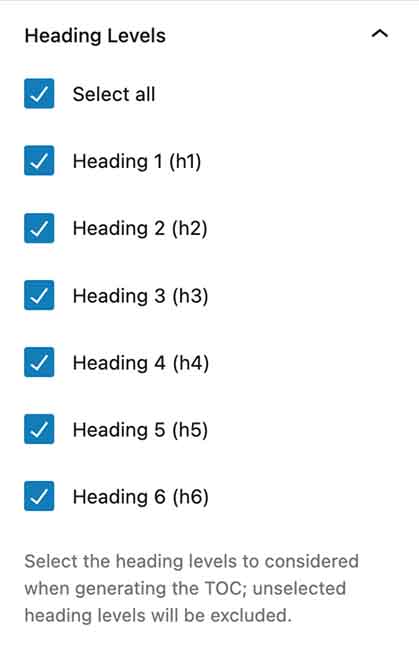
Select the heading levels to considered when generating the TOC; unselected heading levels will be excluded.
Style options
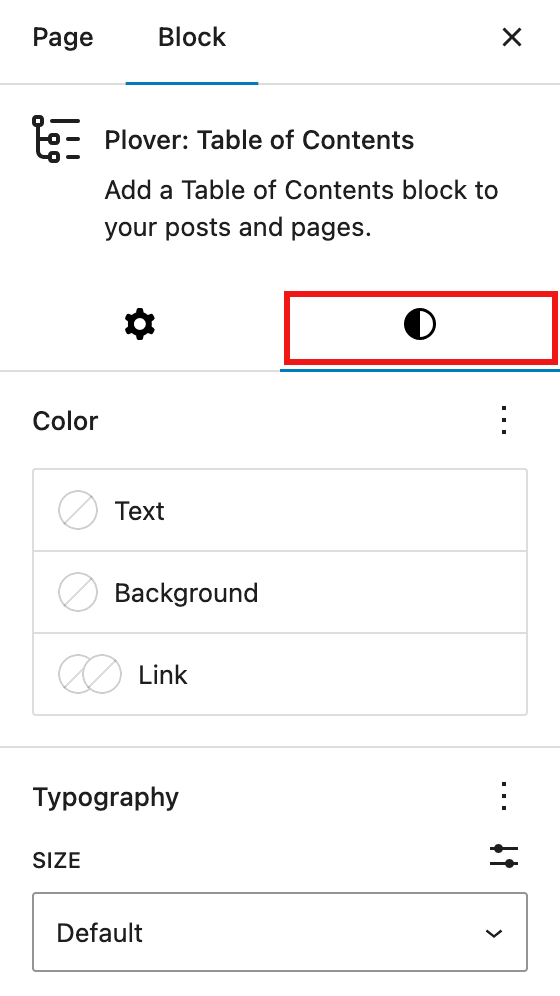
You can adjust the font, colors, border and spacing of the TOC list to match your website design in the Style tab.
In the premium version, you can also control the indentation size of the TOC list.
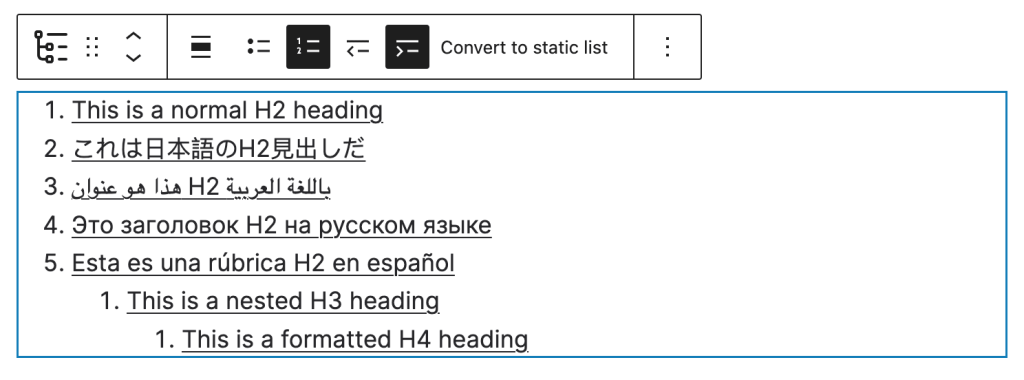
Block toolbar
The block toolbar allows you to set the TOC list to be either an ordered list or an unordered list. You can also set intend and outdent.
Exclude specific headings
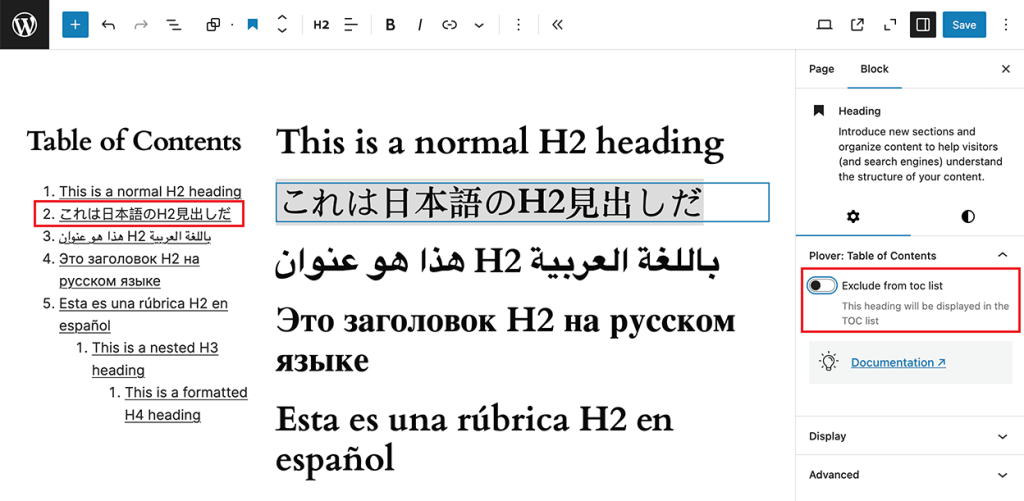
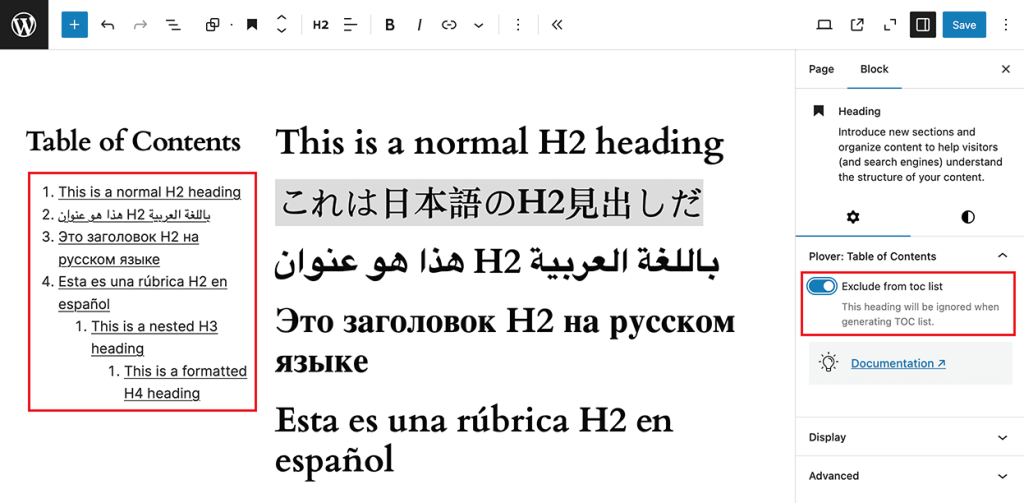
When you select any heading block, you can find an “Exclude from toc list” option in the sidebar.
This option allows you to exclude the current heading from the TOC list.
The following screenshot shows the state of the Japanese title in the TOC list when this option is on and off.
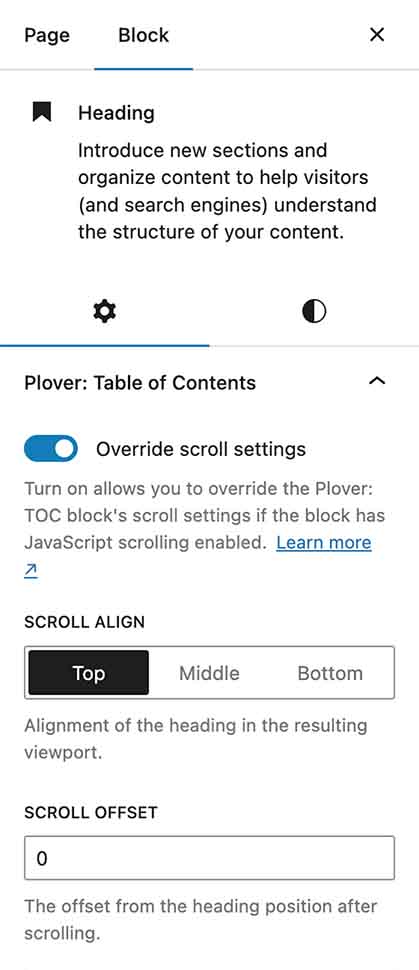
Override scrolling settings
This option is only available for the Premium plan.
When you select any heading block, you can find an “Override scroll settings” option in the sidebar.
This option, which only works for JavaScript scrolling, allows you to override the TOC block and global settings for the specified heading.
Linkable heading
This option is only available for the Premium plan.
When you select any heading block, you can find n “Linkable” option in the sidebar.
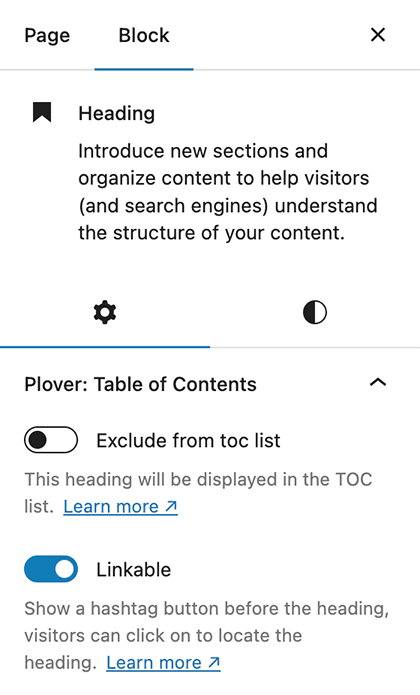
Enable this option will show a hashtag button before the heading, visitors can click on to locate the heading quickly.

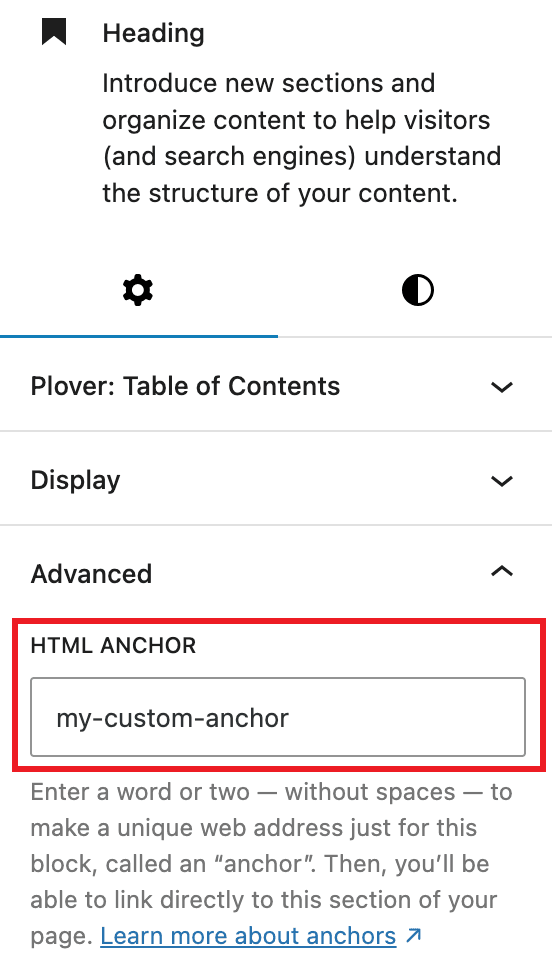
Custom heading anchor
By default we generate anchors for each heading, if you want to override it you can set your own anchor in the advanced option group of the heading block.
Global settings
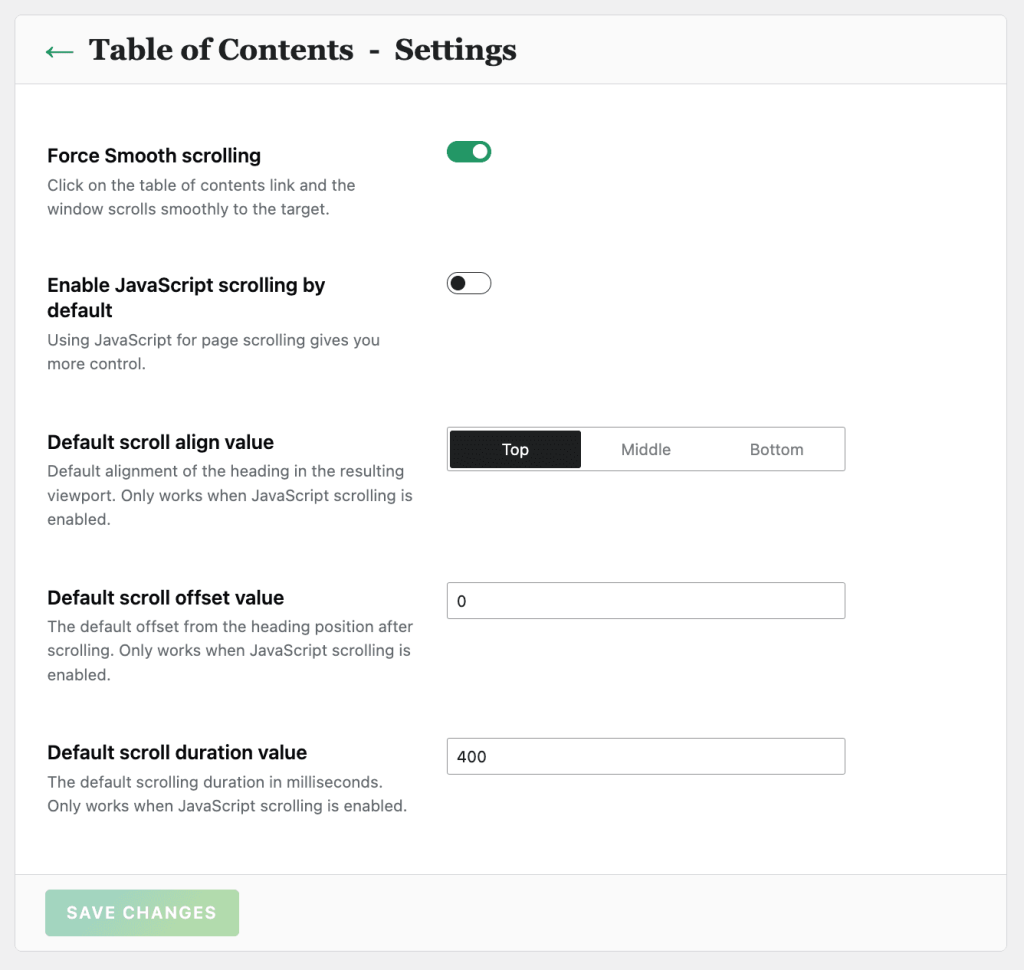
The Table of Contents module global settings can be accessed via “WordPress Dashboard -> Plover Kit -> Modules -> Table of Contents -> Settings“.
Force Smooth scrolling
Add scroll-behavior: smooth style to HTML element by default, the window will scroll smoothly when the TOC link jumps.
This option only works for non-JavaScript scrolling
Enable JavaScript scrolling by default
Using JavaScript for page scrolling gives you more control.
Default scroll align value
Default alignment of the heading in the resulting viewport. Only works when JavaScript scrolling is enabled.
Default scroll offset value
The default offset from the heading position after scrolling. Only works when JavaScript scrolling is enabled.
Default scroll duration value
The default scrolling duration in milliseconds. Only works when JavaScript scrolling is enabled.
Leave a Reply