
This is a module of the Plover Kit plugin (Version v1.4.0 or above), you must install this plugin to access the features below.
This module adds cool particle effects to your designs!
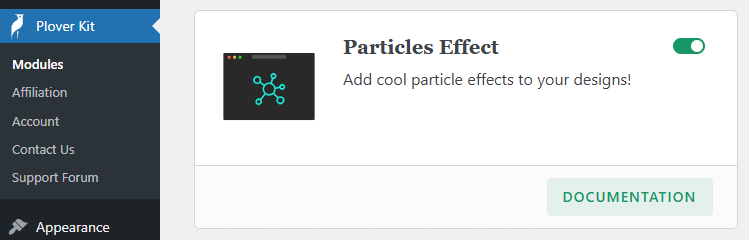
You can enable this module via “WordPress Dashboard -> Plover Kit -> Modules -> Particles Effect“
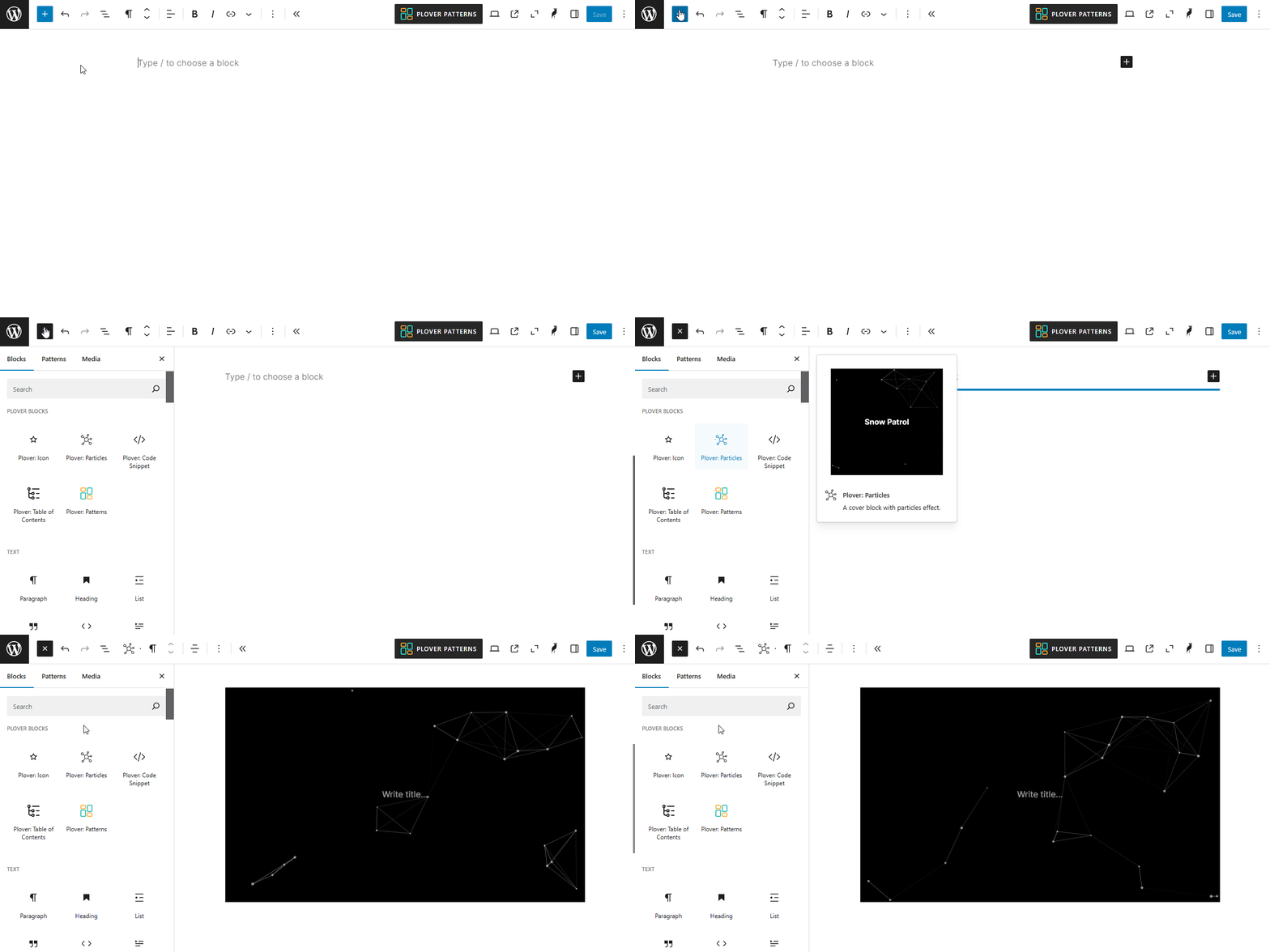
Add Particles Block
To add the Plover: Particles block, open the block inserter by clicking the (+) icon on the upper left corner of the editor. After that, look for Plover: Particles using the search bar and click it to insert the block into the editor.
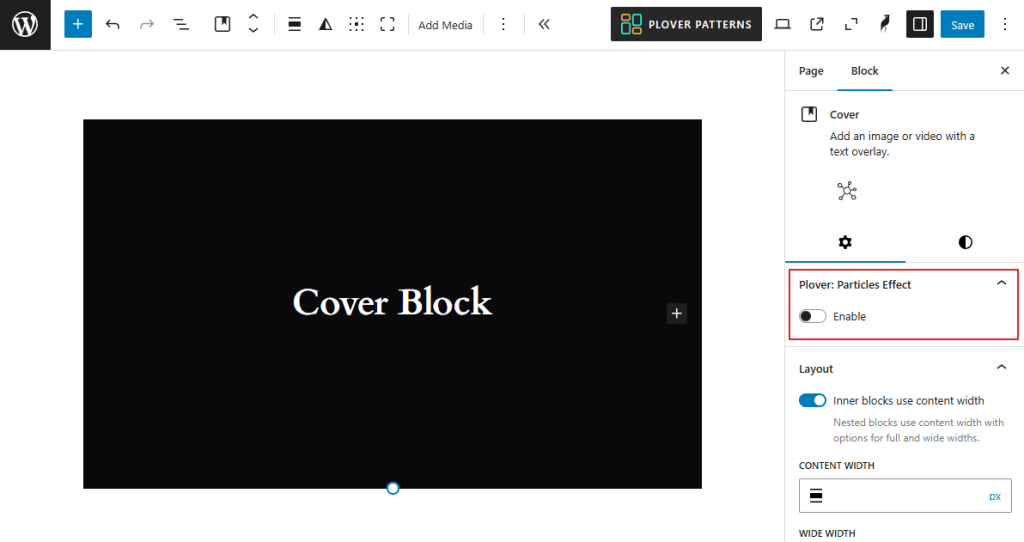
Enable Particles in Cover Block
Also, Plover: Particles block is a variant of cover block, and you can turn on particles effects for cover blocks that already exist.
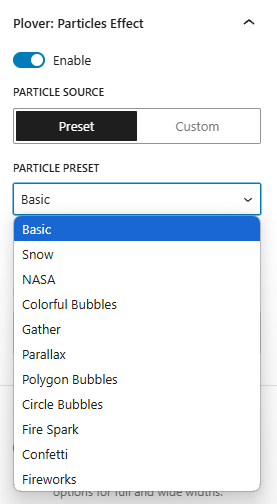
Particle Source
The source of the particles determines what the particle effect will look like, you can choose one of the presets we provide or you can generate custom particles from the online editor.
Preset
We provide 11 popular particle presets for you to choose from (4 free, 7 premium), and you can also customize the presets with particle options.
Custom (Premium)
If you want more particle styles, you can also create your own particle effects through the online editor.
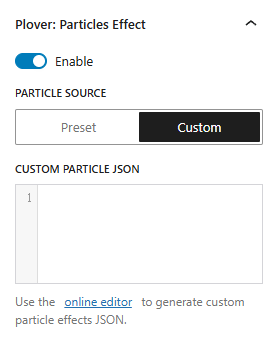
Once you’ve created your super cool particle effect using the online editor, simply switch the editor view to Text and copy the JSON code into the custom particle JSON box of the particles block.
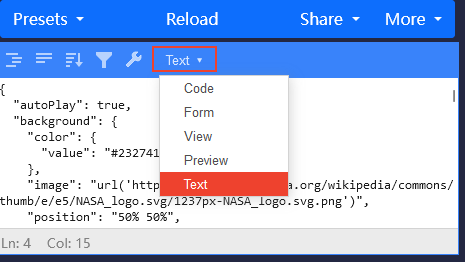
Particles block don’t support all features of the online editor, so there are some features such as image masks will not work.
Particle Options
Whether you are using a preset or a custom JSON, you can dynamically modify the particle effects through the particle options.
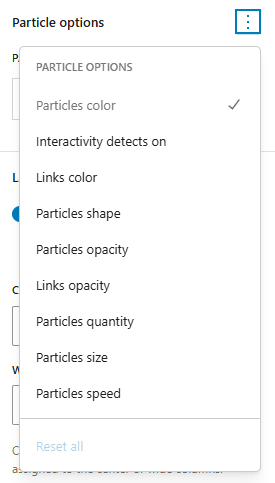
You can choose which items to modify by clicking on the three dots following the Particle Options heading.
The items here are displayed dynamically depending on the preset and custom JSON, e.g. some effects may not allow adjustment of the Links color while others do.
Also, if you are using the free version, it only allows you to adjust the particle color and line color, please upgrade to the premium version to access all the particle options.
Leave a Reply