
This module is only available in the premium version, if you are using the free version, please upgrade.
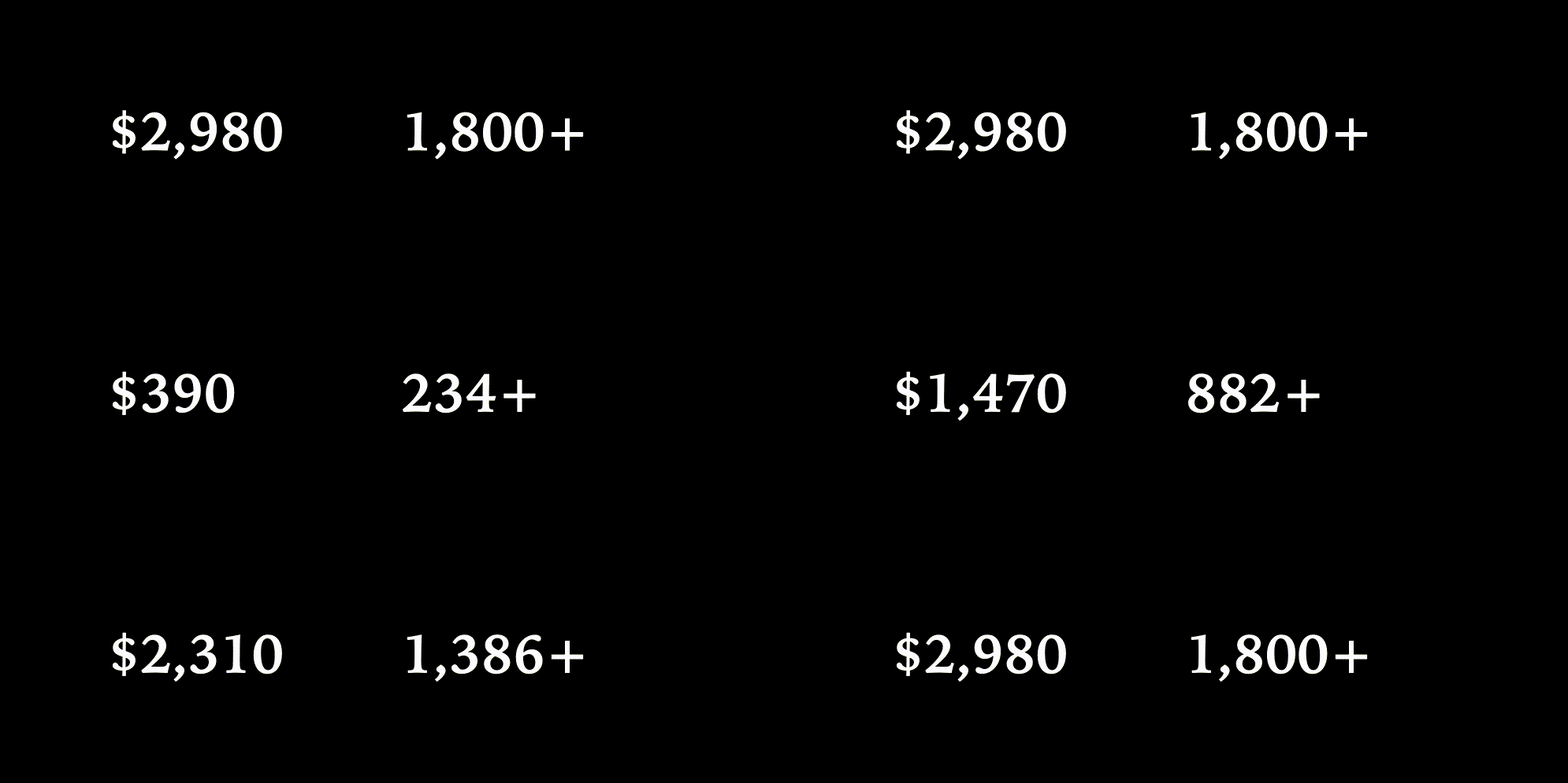
This module introduce a counter block enables you to add an animated numbered counter to your page.
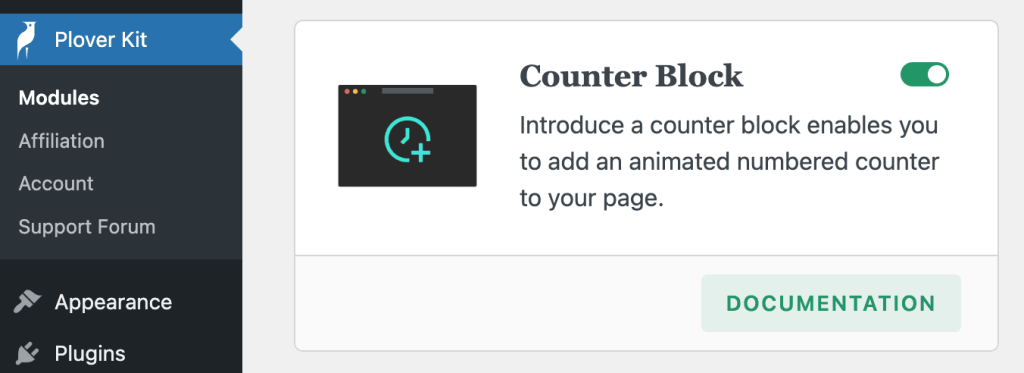
You can enable this module via “WordPress Dashboard -> Plover Kit -> Modules -> Counter Block“
Add Counter Block
Using Block Inserter
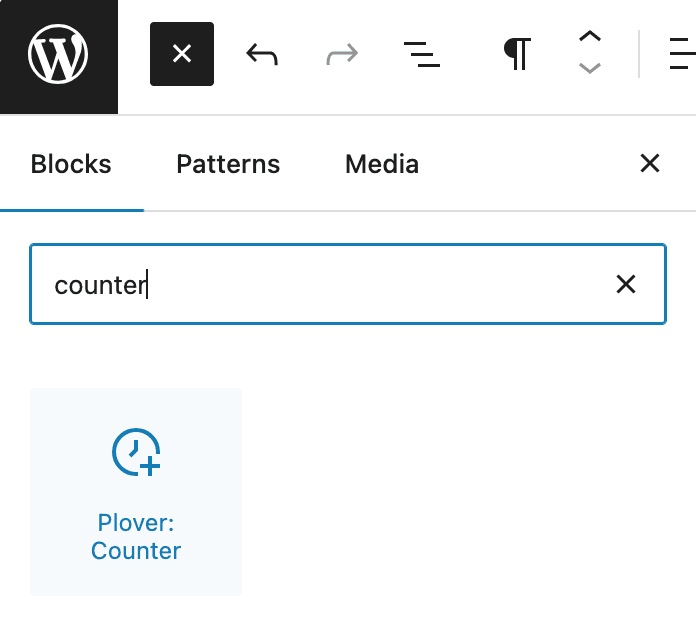
To add the Plover: Counter block to a page, click the Add block button to open the block inserter pop-up window and choose the Plover: Counter block.
Using Slash Command
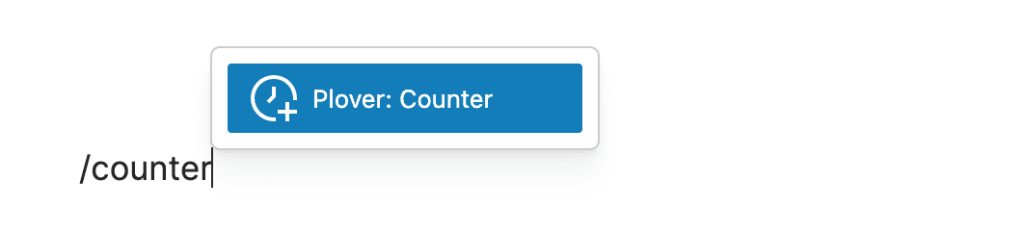
You can type /counter and hit enter in a new paragraph block to add one quickly.
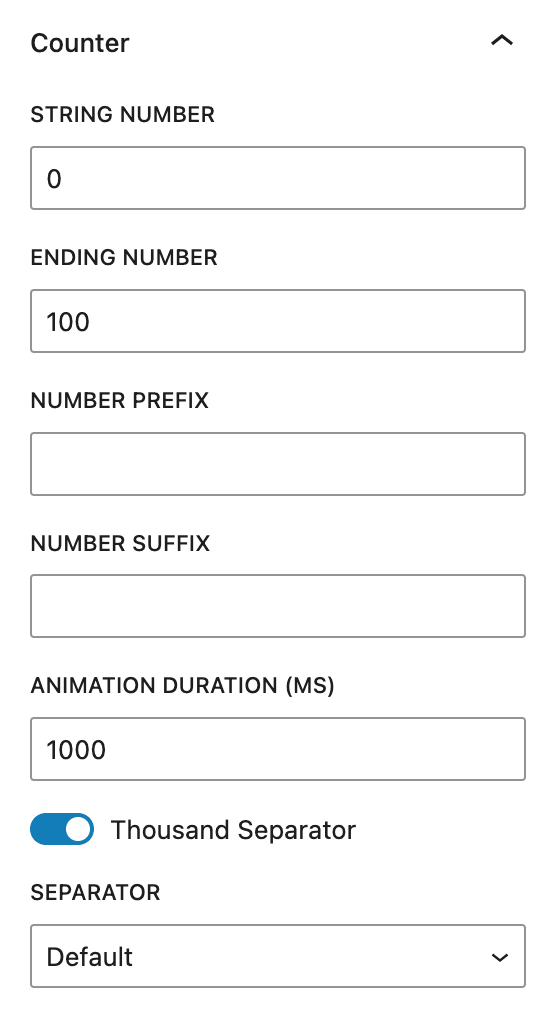
Counter Options
Starting Number
The start value of the counter animation.
Ending Number
The end value of the counter animation.
Number Prefix
You can use this option to add a fixed prefix to the number, such as $ for dollars. If you need a complex design, such as different font sizes, you can use Row block to combine the counter block with other blocks.
Number Suffix
Same as prefix, but shown after the number.
Animation Duration
This option controls how long the animation will last in milliseconds.
Thousand Separator
When enabled, the number will be split by thousands and a separator will be inserted.
There are 5 separators to choose from:
| Separator | Preview |
|---|---|
| Default | 9,999 |
| Dot | 9.999 |
| Space | 9 999 |
| Underline | 9_999 |
| Apostrophe | 9’999 |
Leave a Reply