
This is a module of the Plover Kit plugin, you must install this plugin to access the features below.
This module allows you to add an animated element that appear while website content loads make waiting more enjoyable.
You can find this module via “WordPress Dashboard -> Plover Kit -> Modules ->
Preloader“
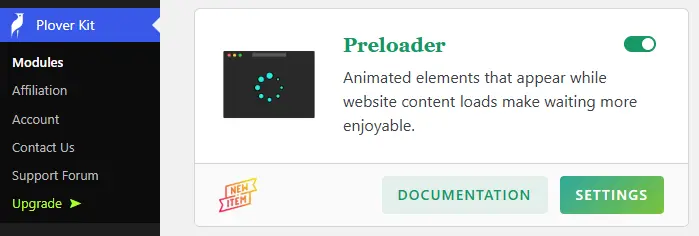
Enable Preloader
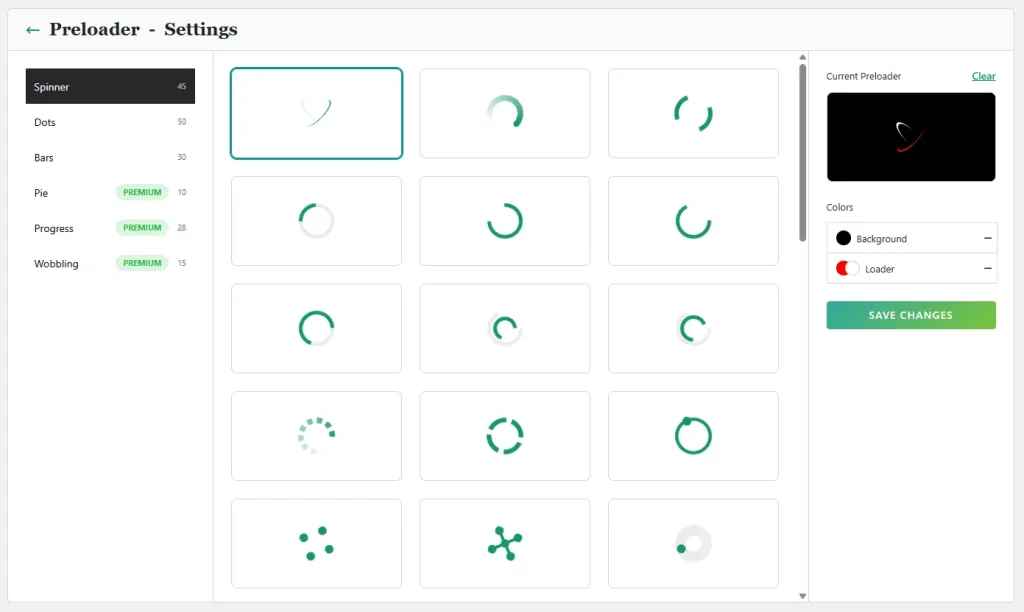
The preloader settings can be accessed via “WordPress Dashboard -> Plover Kit -> Modules -> Preloader -> Settings“.
The left side displays the categorized list of all loaders, while the central area shows previews of all loaders within the currently selected group.
On the right is a real-time preview of your currently selected loader along with customization options.
You can reset the loader by clicking the “Clear” button on the right in the live preview, which will disable the loader on your website.
Leave a Reply