
This module is only available in the premium version, if you are using the free version, please upgrade.
This module let’s you easily add an estimated reading time to your WordPress posts.
You can enable this module via “WordPress Dashboard -> Plover Kit -> Modules -> Reading Time Block“
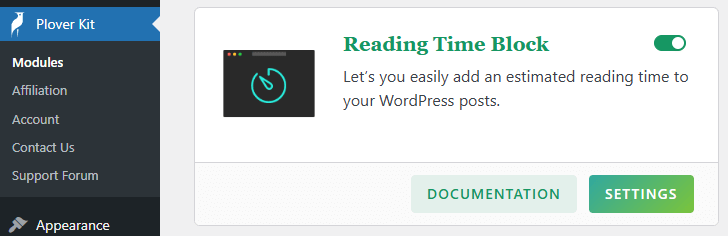
Add Reading Time Block
Using Block Inserter
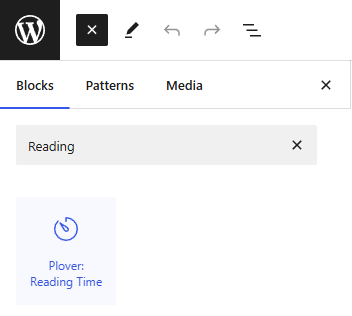
To add the Plover: Reading Time block to a page, click the Add block button to open the block inserter pop-up window and choose the Plover: Reading time block.
Using Slash Command
You can type /reading and hit enter in a new reading time block to add one quickly.

Leave a Reply