
We added a “Plover: Dark Mode” settings panel for all blocks. The “Color Mode Visible” option allows you to control whether a block is visible or hidden in different color modes.
It is useful for designs that rely on different color modes. For example, if there have an image that display well in light mode but may bad in dark mode. In this case, you can have a separate image for light and dark modes and display the appropriate image when toggling color modes.
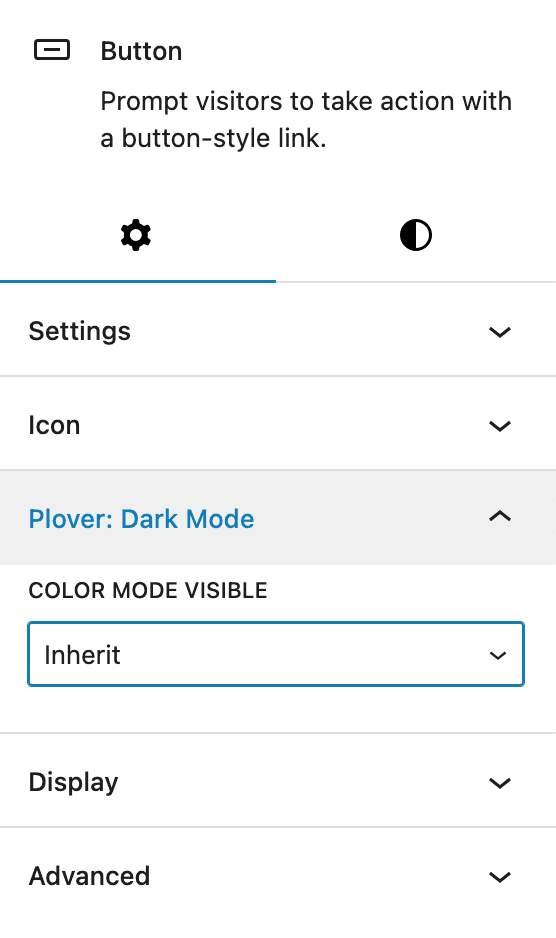
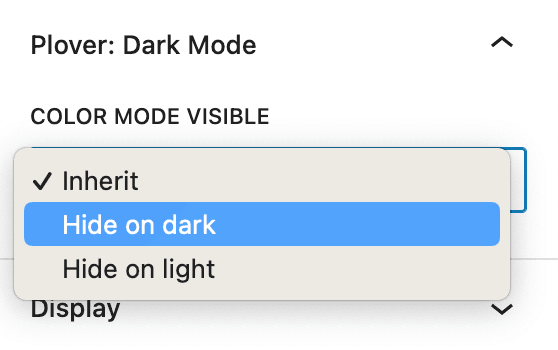
Color mode visible option have three options.
- Inherit
- Hide on dark
- Hide on light
Inherit is the default, which adds no effects, and the other two options are as the name implies.
Select invisible blocks
If a block is not visible in the editor’s current color mode, there are two ways to select it.
One is to toggle the color mode in the editor so that the hidden block will be redisplayed.
Toggle dark mode in the editor
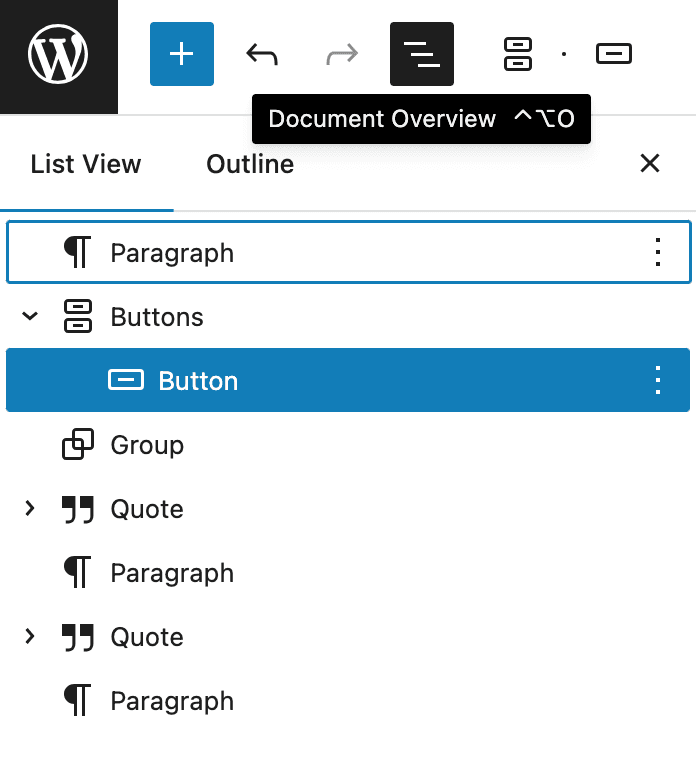
Another way is to use the Block Editor’s Document Overview menu to select the invisible block.
Leave a Reply